QuickStart
Powering the Device
-
Connect the power and plug in the network cable
-
The power supply range is 9V-36V, with the positive terminal near the LED end.
Note: Incorrect polarity can cause damage to the machine.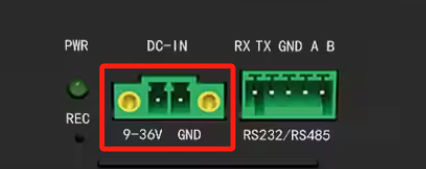
-
The default network connection method of the machine is DHCP to automatically obtain an IP address.
After the network is connected normally, the two indicator lights on the network port will light up simultaneously.
-
Locating the Device on the Network
- Obtaining the IP address of the machine
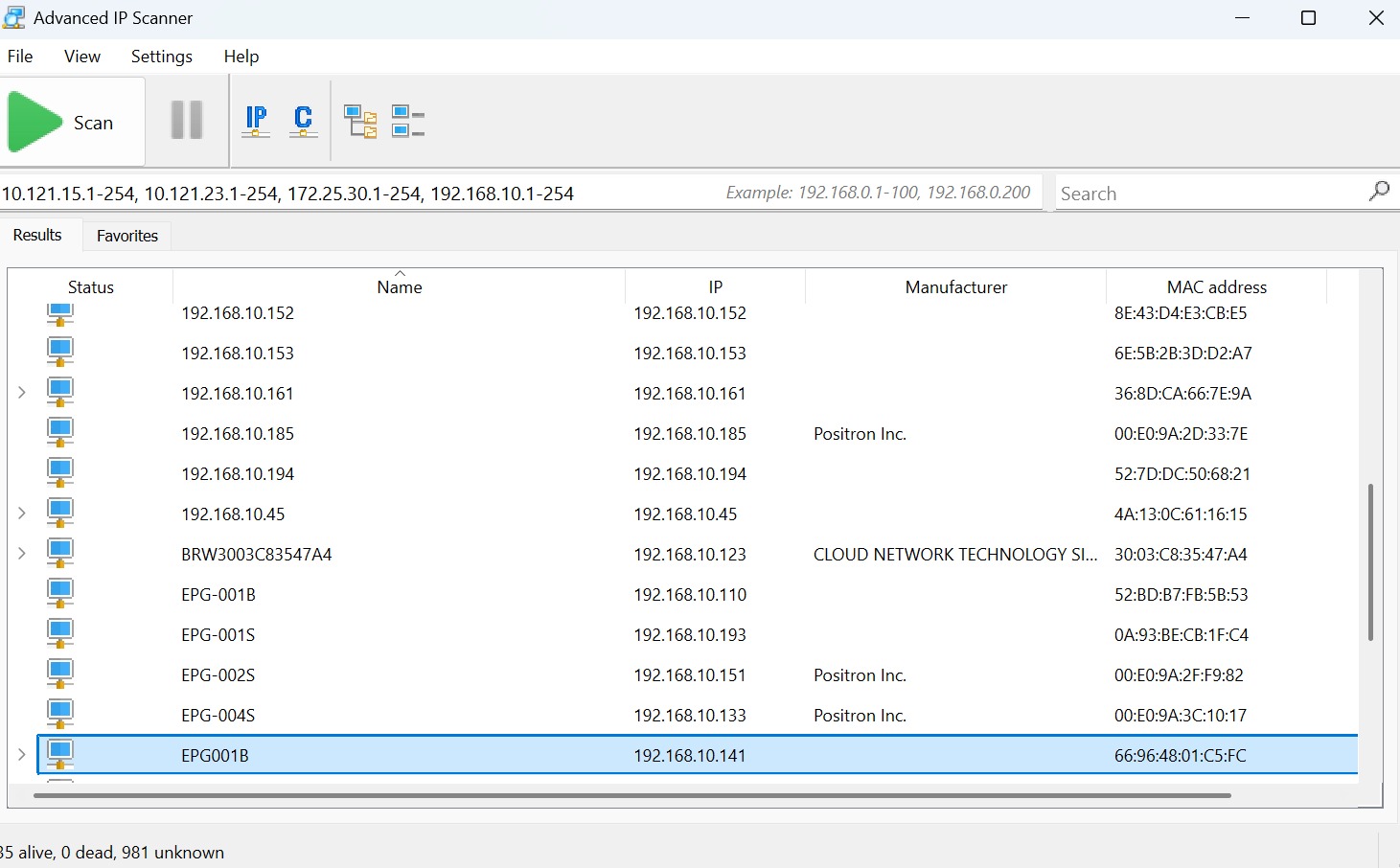
- Use LAN IP address scanning software Advanced_IP_Scanner to obtain all scanned LAN IP addresses.
- After downloading and installing the software, open the software and you will see the following interface. Click Scan to start scanning.The IP address corresponding to the "EPG-001B" device is the actual IP address of the machine.